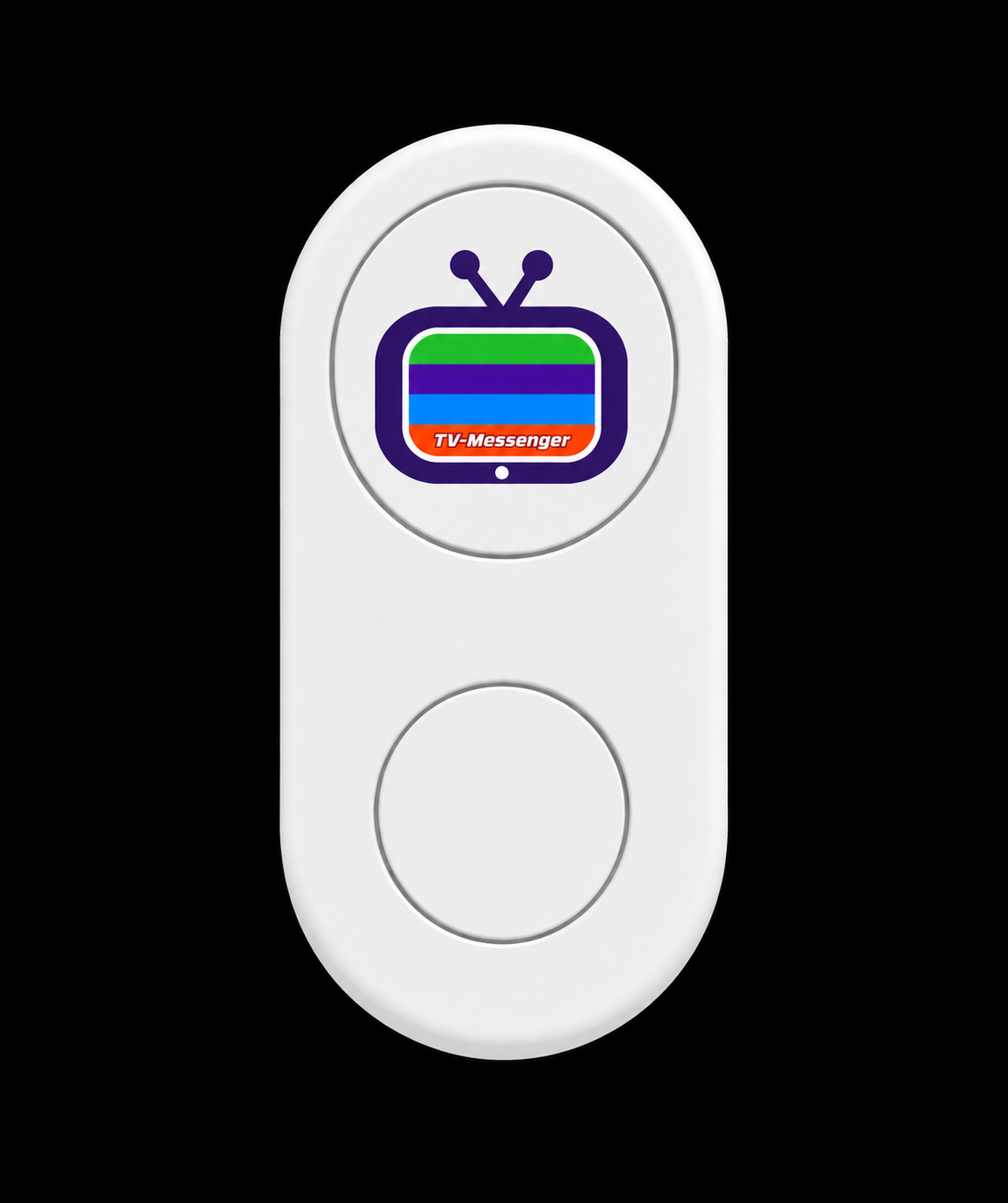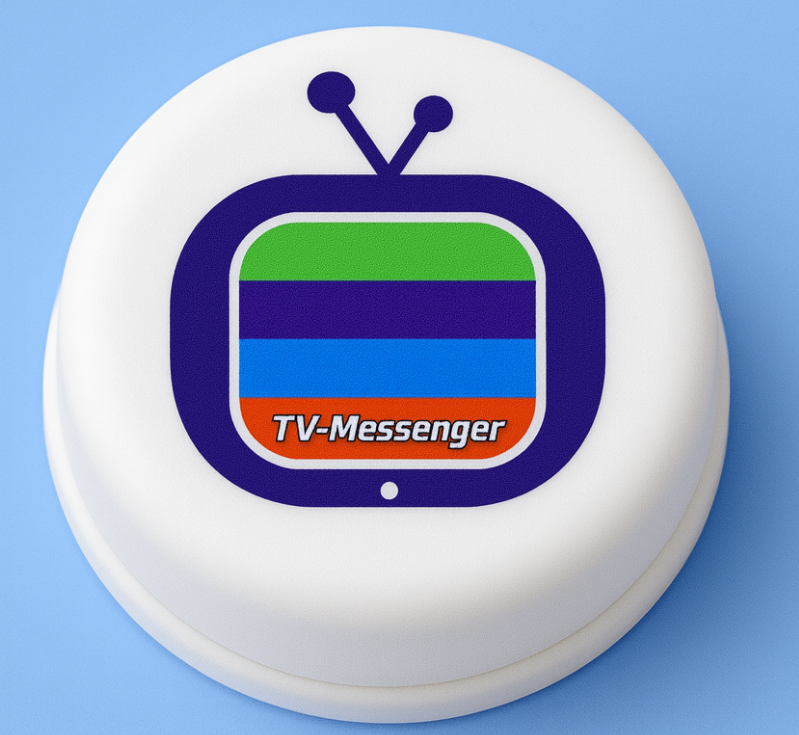
The confirmation button is a small wireless button which is pressed to confirm and remove messages from the TV. The button is just slightly larger than a US quarter. Instead of making a telephone call, sending a text message, or using the TVM mobile or web app, a simple press on this small button clears messages off of your TV.
The button works in conjunction with an app on a smartphone or tablet and is easily sync'd to it. The button relays its button presses via the phone and to our servers, which clear the messages on the TV. If instead of pressing the button once, you hold the button down, a message is sent to your TV with the serial number of the button. This is also a quick way to verify that the button is working correctly. If you double tap the button instead, a ringing sound will confirm that the battery is fine and the device is working. The sounds are heard from the Smartphone app it is connected to.
Click the button on the left to read the documentation on setting up the button and associating it with a TV/M-brAIn.
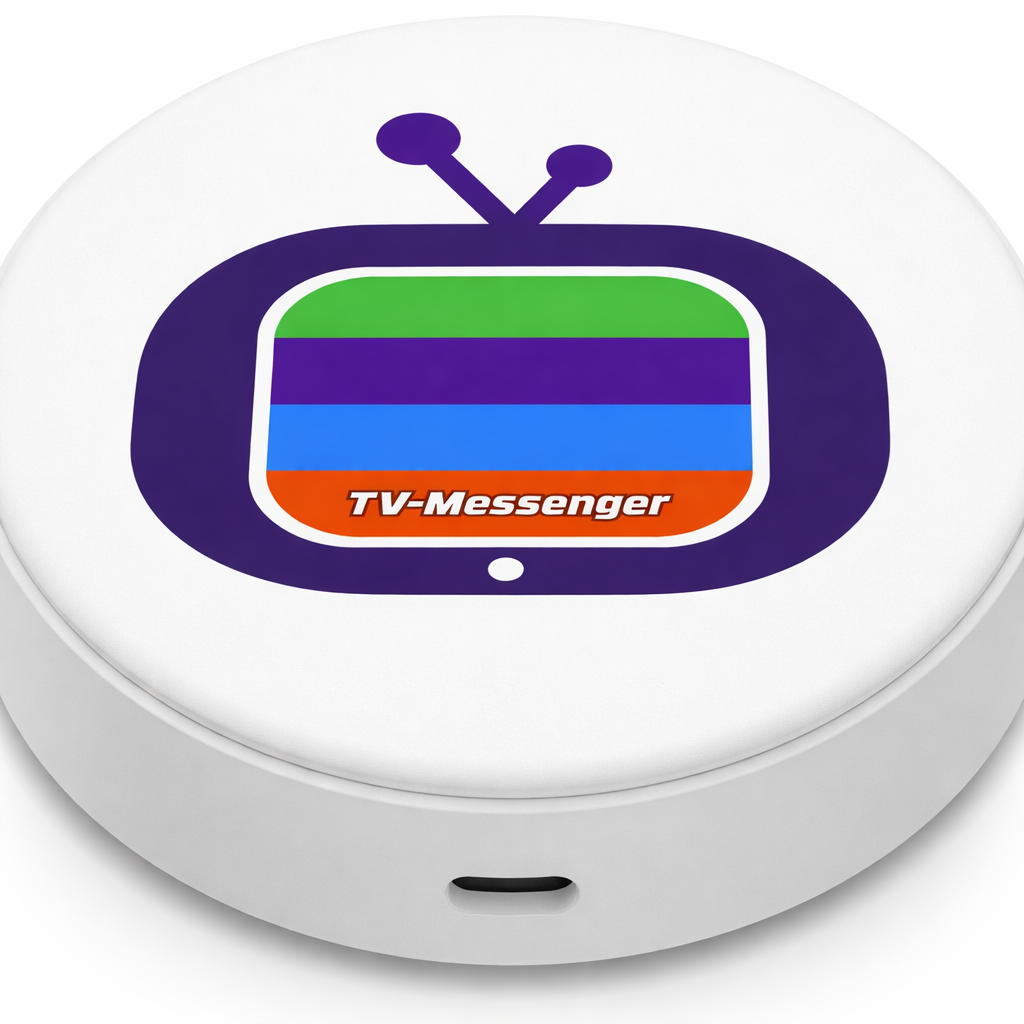
Mini-Hub
The Mini-Hub is used in lieu of a smartphone to operate the Confirmation Button. It can be placed anywhere in the area where the button is located and like the smartphone or tablet, it relays messages from the button to the TVM service.
When a button is connected through a mini-hub, a phone is no longer required. BUT, importantly, there is no audio confirmation heard when the button is pressed.
The "Button+" is required to heard the audio confirmation which is heard from the button itsefl.
COMING SOON - Button PLUS Customized Functions
The confirmation button PLUS works similar to the regular button but, when connected via the mini-hub instead of a smartphone, will provide audio feedback that the button has been pressed.
BUT more than that, the PLUS can be user programmed to provide more than 20 other functions including:
Turn the TV on or off
Launch the TV-Messenger app on the phone
View the TV-Messenger website on the phone
Answer incoming video calls
End or reject calls
Navigate menus and screens
Open favorite apps
Play or pause content
Adjust volume up or down
Mute audio
Change channels
Trigger emergency or caregiver alerts
Activate routines or smart home scenes
Control lights or devices while watching TV
Send quick notifications to family members
Start accessibility shortcuts
Smart Home Control
Control your entire home instantly:
Lights and lighting scenes
Smart plugs and appliances
Thermostats
Ceiling fans
Motorized blinds
Garage doors
Smart locks
Security systems
Cameras and doorbells
Air conditioners
Smart sensors
Sprinklers and irrigation systems
Compatible with:
Amazon Alexa
Apple Home
Google Home
Samsung SmartThings
Home Assistant
Philips Hue
LIFX
Matter-compatible devices and ecosystems
Entertainment & Media Control
Operate media devices without complex remotes:
TV power
Volume control
Mute
Channel navigation
Play / Pause
Skip tracks
Launch favorite apps
Trigger movie-night scenes
Open TV-Messenger instantly
Answer video calls from the couch
Works with:
Sonos
Spotify
Smart TVs
Streaming devices
Home theater systems
Accessibility & Automation
One-touch family calling
Emergency alerts
Caregiver notifications
Medication reminders
Bedside assistance triggers
“Help Needed” automations
Simplified TV navigation
Smart home routines without voice commands
Productivity & Daily Routines
Trigger entire routines instantly:
Good morning scenes
Bedtime shutdowns
Work-from-home setups
Arrival and departure automations
Focus modes
Smart notifications
Calendar-based actions
Custom